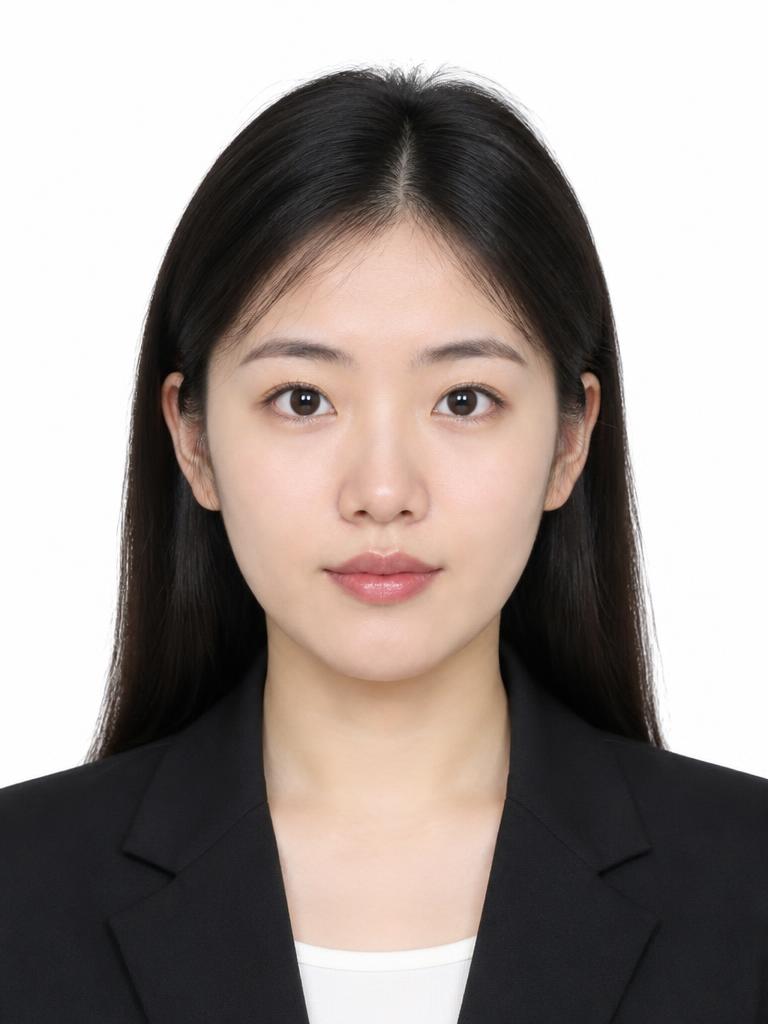
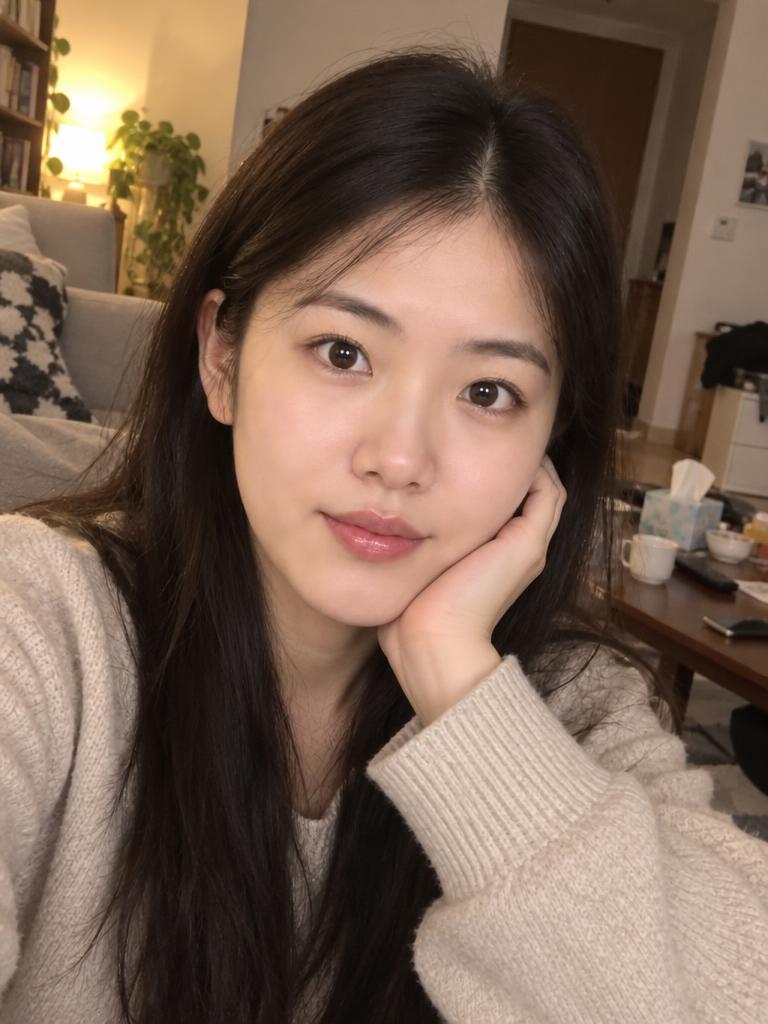
 AI resultOriginal
White Passport Photo
Standard white background, front-facing and unobstructed — sized to the US passport digital format. Ideal for ID cards, résumés and practice shots.

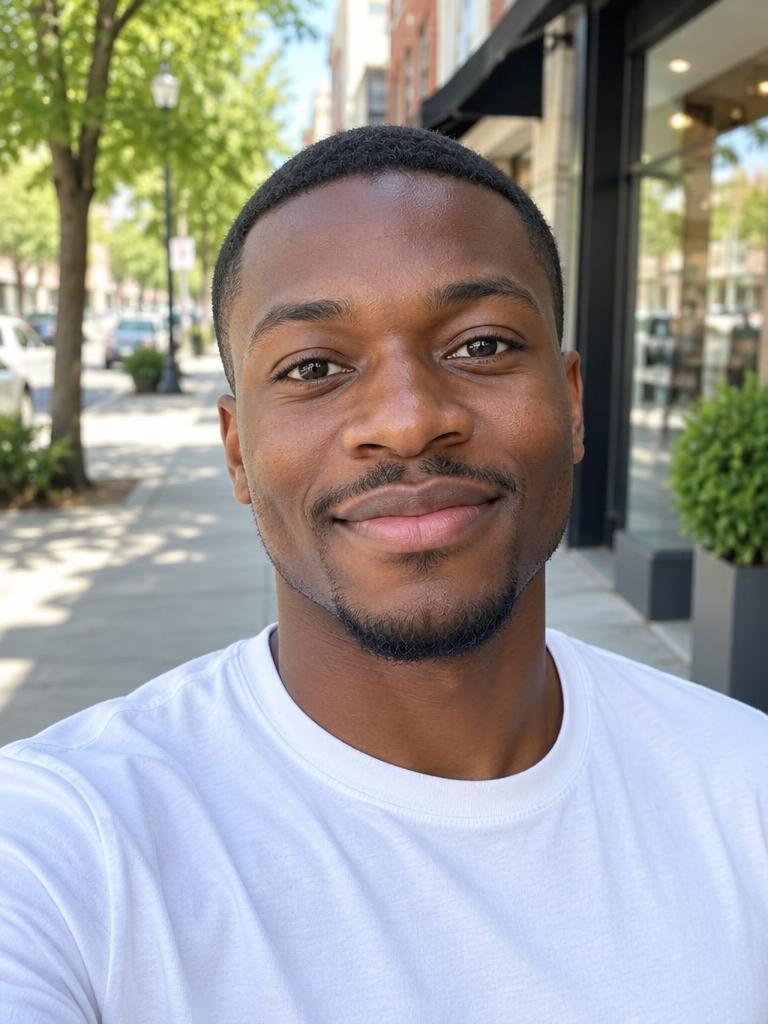 AI resultOriginal
Blue ID Photo
Classic blue background for ID cards, résumés and diplomas.
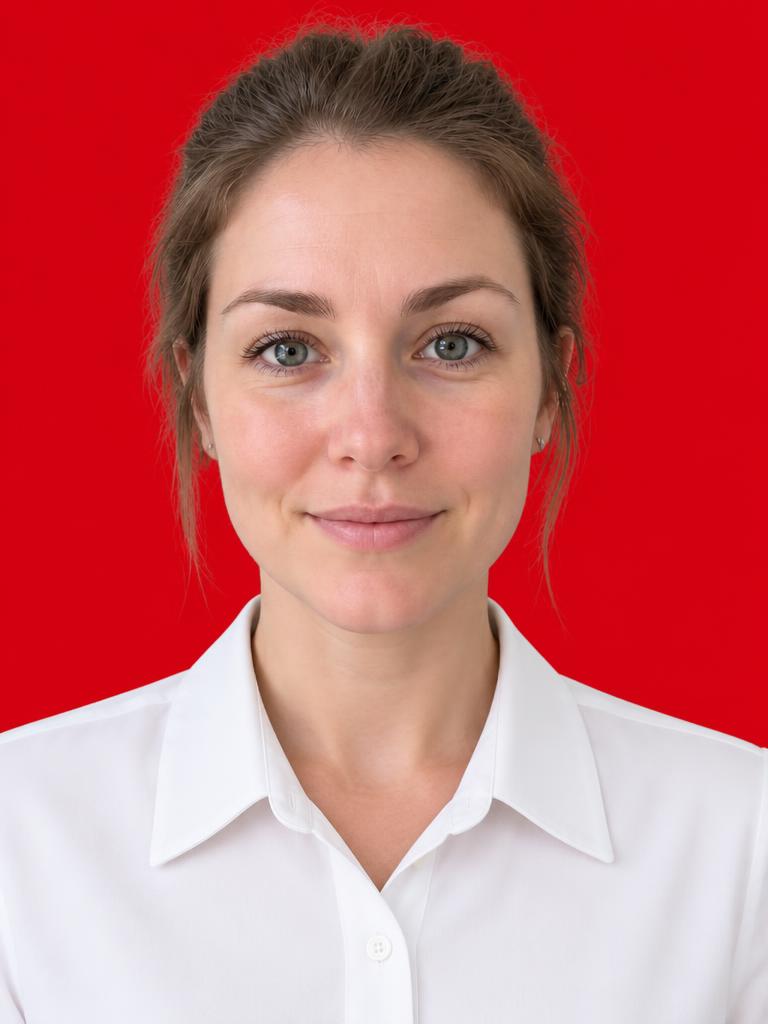
 AI resultOriginal
Red ID Photo
Festive red background, popular for marriage and membership certificates.
US passport & visa digital format
This is the digital format US passport and visa applications use. Pick the US Passport / Visa size in the generator and the file is built to these numbers, then checked against them before you download.
Print size
2 × 2 in (51 mm square)
Shape
Square — height equals width
Pixels
600 × 600 to 1200 × 1200
File format
JPEG
File size
54 KB – 240 KB
Colour
sRGB, 24-bit
Density
300 dpi or better, so the file prints at exactly 2 × 2 in
Head height
50–69% of the frame
Eye line
56–69% up from the bottom
Rules the file can't be tested for
- Background: Plain white or off-white, no shadows, texture or objects behind you.
- Head size: Chin to top of hair fills 50–69% of the frame height.
- Eye line: Eyes sit 56–69% up from the bottom edge.
- Pose: Facing the camera straight on, head level, shoulders square, both eyes open, mouth closed.
- No glasses: Eyeglasses are not allowed (medical exception needs a doctor's note).
- No editing: The photo must not be retouched or altered to change your appearance.
- Recent: Taken within the last 6 months, in normal everyday clothing.
Important: the US Department of State requires an original, unedited photo for passport and visa applications. Use these AI-generated photos for ID cards, résumés and practice shots — not as an official US passport or visa submission.